

How to Turn Photos into AI Meme Videos for TikTok
Choose a scene, prepare one or two photos, check the format and price, and download your AI meme video.
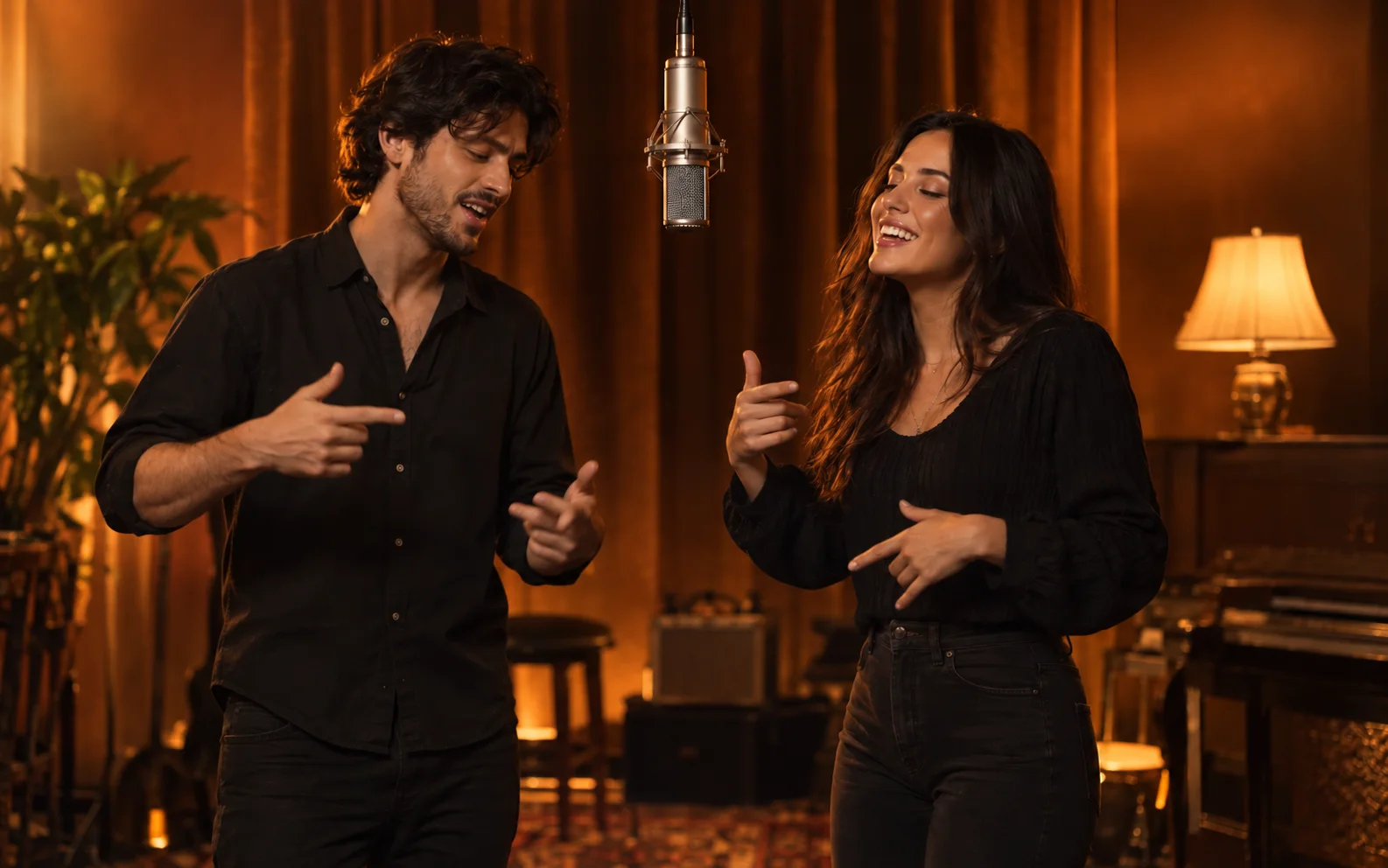
You want a clip of you and your friend sharing a microphone. You probably do not want to spend the evening learning a video editor. That is exactly why we built these KickClap templates.
Pick a scene, add the photos and choose the output. We handle the scene instructions. Your most important creative decision is who gets which role.
1. Pick the joke before picking the settings
For a two-person performance, start with Hotel Lobby. It gives you the orange booth, one hanging microphone and a choice of portrait or landscape. For one person, choose Bulin 47's street freestyle. Choose Boombox Rap / Slide when you want the street scene with a friend carrying the boombox.
Prices checked November 3, 2026.
| Scene | Photos | Output | One-time price |
|---|---|---|---|
| Hotel Lobby | Two adults, one photo each | 10 seconds; 720p; 9:16 or 16:9 | $9.90 |
| Boombox Rap / Slide | Two adults, one photo each | 10 seconds; 16:9 | $6.90 at 480p; $9.90 at 720p |
Bulin 47 street freestyle | One adult | 10 seconds; 9:16 | $6.90 at 480p; $9.90 at 720p |
Making a vertical TikTok? Pick Hotel Lobby portrait or Bulin 47. Our Boombox is landscape. Cropping half your friend out of a duet is a fairly decisive way to ruin the joke.
The Bulin template here recreates the street freestyle scene. If you want a particular shoulder-dance routine, watch the example first. A matching song name does not make two scenes interchangeable.
See the photos and the result together
These two fictional adults are the inputs for this completed Hotel Lobby example. Your photos will produce a different result.
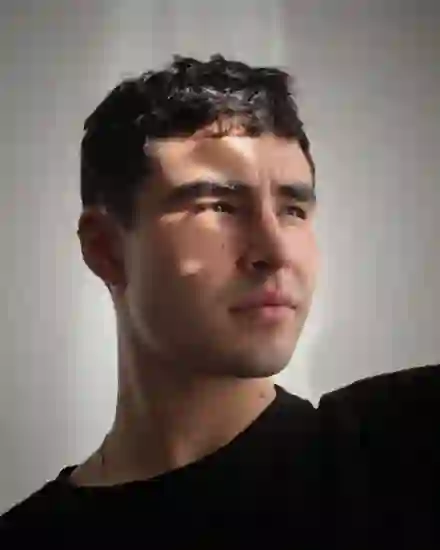
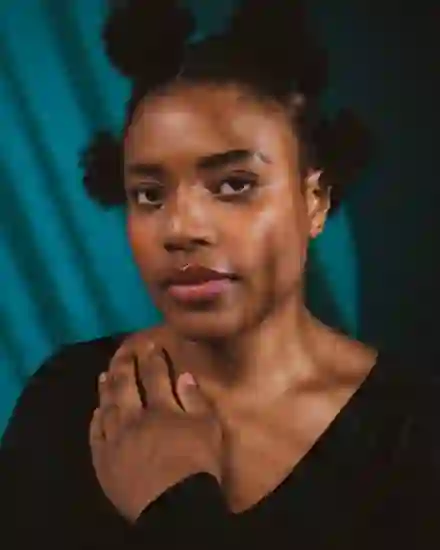
You can also see the Boombox landscape example and its input photos, or the Bulin input photo and five-second sample. The purchased outputs in the table are ten seconds long.
2. Give the model a face it can actually see
Use a sharp photo with one adult facing the camera in even light. Include the upper body where possible. Sunglasses, heavy filters and a face the size of a postage stamp give the model less to work with.
For a duet, use two separate images. Hotel Lobby puts photo 1 on the left and photo 2 on the right. Boombox has a lead performer and a boombox performer. Read those labels before paying. This is the moment to settle who gets the microphone.
A shared photo can work as source material if you crop it into two clear portraits. Each upload still needs one person. Use your own photos or photos of adults who agreed to appear. The photo guide covers file requirements.
3. Open the scene and choose your output
Open Hotel Lobby, Boombox or Bulin 47 and choose Make my video. Add the required photos, check their order and select an available format.
Look at the selected price before continuing. Hotel Lobby is $9.90 at 720p. Boombox and Bulin also offer a $6.90 option at 480p. You buy a video once; you do not need a subscription for these purchases.
Confirm photo permission and follow the maker's email verification and checkout steps. Generation starts after confirmed payment. Keep the purchase reference. If payment is unclear, reopen that order before buying again.
4. Watch the whole result, then download it
Open My videos with your purchase email to check progress or recover the result after closing the page. When it is ready, play the entire video. Look at both faces, the role order, hands and mouth movements. A convincing first frame does not tell you what happens five seconds later.
AI can change likeness and movement. Clear photos help; they do not turn generation into an exact face-copy service. If a result is missing or will not play, contact support with the original purchase reference. The refund policy explains how delivery problems are handled.
Download within seven days after the video is ready. Save a copy to your phone if you want to keep it.
5. Give the post its final check
Play the downloaded file with sound. Listen before adding another track, then preview the timing, volume and crop in TikTok. Available songs and permitted uses can differ by account and location. Follow TikTok's AI-generated content guidance for realistic AI video.
You can add captions or borders in an editor afterward. You do not need an editing timeline to generate these scenes. We would get the two faces and the joke working first. The animated caption can wait.
Ready for the orange booth? Make your Hotel Lobby duet. If you want to compare purchase options first, read what a pay-per-video meme actually costs.