

Choose photos for your Hotel Lobby video
A checklist for two clear portraits, photo consent, and supported image files.
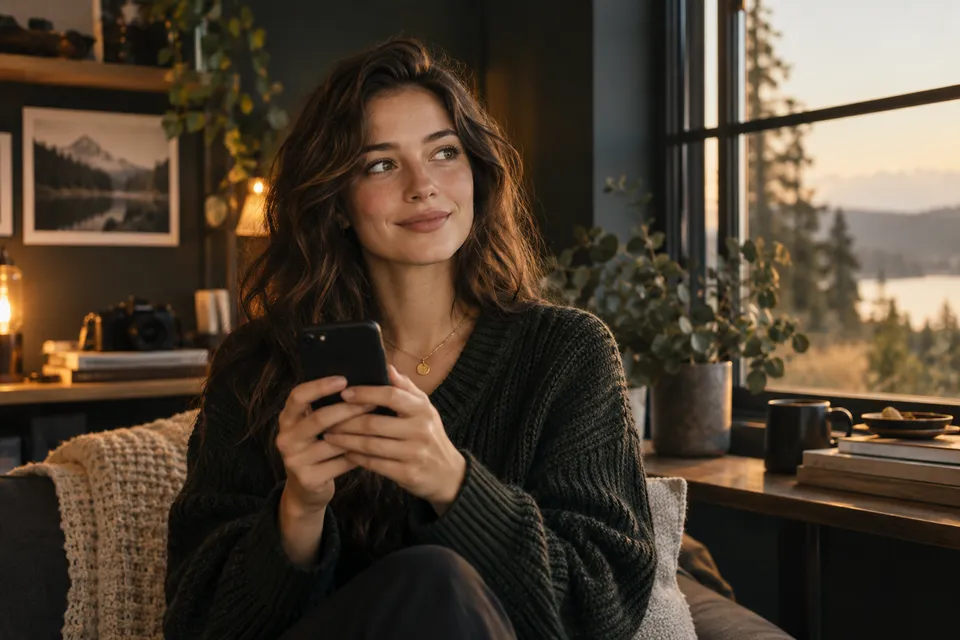
Start with two photos where each person is easy to recognize. You do not need a group photo or the same setting as the example.
One person in each photo
Keep the eyes, nose, and mouth visible. Avoid sunglasses, hands across the face, and another face in the background. Natural light and a simple background help make the subject clear.
Both people must agree to the use of their photos to create an AI video. Check their consent before uploading.
Include the upper body
We recommend portrait photos that show the head, shoulders, and upper body. Landscape photos also work. Avoid a very tight face crop or a photo where the face is too small.
Photo 1 is on the left. Photo 2 is on the right. Check both thumbnails and use Swap photos if necessary.
Check the file
Upload JPG, PNG, or WebP files, up to 5 MB each. For HEIC or HEIF photos, export a JPG copy first. Renaming the extension does not convert an image.
Each side must be between 301 and 5,999 pixels, with no more than 24 megapixels in total. The width-to-height ratio must be greater than 0.4 and less than 2.5. Wait for both photo checks to finish before starting generation.
Choose the video shape separately
Portrait makes a 9:16 video. Landscape makes a 16:9 video. The uploaded photos do not need to match that shape.