Sugar on My Tongue
One hook, a fridge-door reveal, and a gesture that comes back on the beat.
In shortSugar on My Tongue is a Tyler, The Creator song and a TikTok dance-and-lip-sync trend. The fridge-camera version repeats small gestures with the hook; wider dance takes and photo-based AI remakes are different versions. Watch @kimberlykimpena’s credited 15-second post, uploaded September 7, 2025 (Asia/Shanghai), and learn what the filmed performance, repeat edit and AI simulation each do. KickClap cannot generate this effect yet: this page is for watching and understanding the trend, with no photo upload or maker.
What Sugar on My Tongue is
Sugar on My Tongue is both a Tyler, The Creator song and a family of short dance and lip-sync videos set to its hook. The fridge-camera version frames the performer from inside a refrigerator; repeated gestures are cut to the repeated words. Other takes use a normal room shot and more visible dance movement. A shared song title does not make every version the same routine.
People adding “AI video,” “dance AI” or “from a photo” usually want a simulated performance with their own likeness. That is different from watching a creator’s filmed take or repeating a few frames in an editor. This page is a watch-only reference, not a generator.
Where the song and fridge trend came from
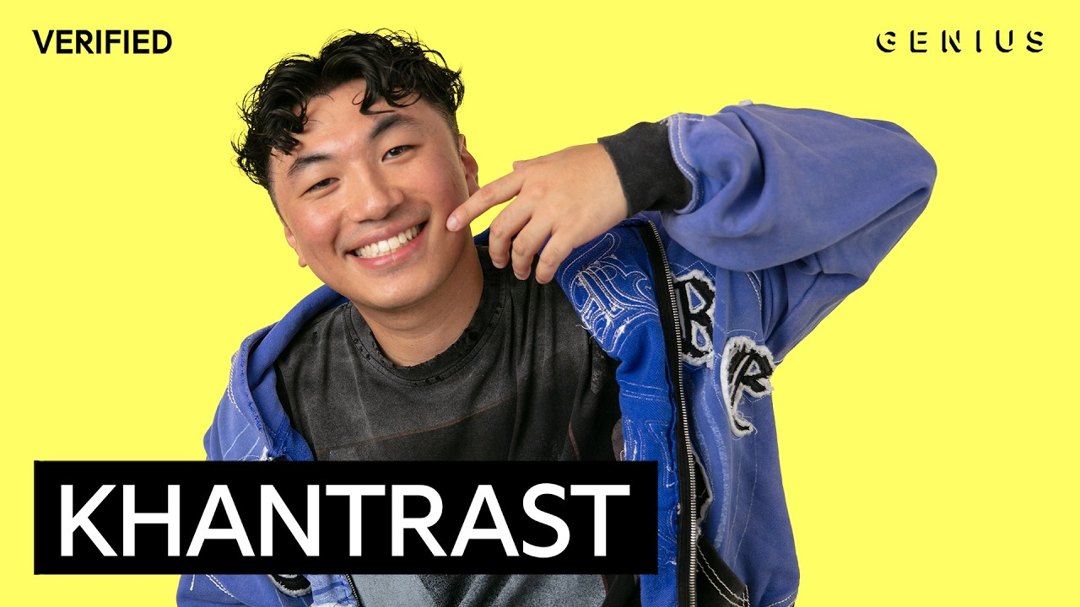
Apple Music lists “Sugar on My Tongue” on Tyler, The Creator’s DON’T TAP THE GLASS, dated July 21, 2025. The featured TikTok’s own music metadata matches that song and artist.
The creator reference here is @kimberlykimpena’s post, display name kimberly kim, uploaded September 7, 2025 at 09:39:44 Asia/Shanghai. Its caption begins “this trend is all over my fyp so it’s my turn now,” which acknowledges an existing trend rather than claiming to invent it. The Tab’s September 30, 2025 tutorial embeds this exact post and credits Kimberly Kimpena with popularizing the fridge viewpoint. That supports using her take as a credited reference, not calling it the first-ever dance.
Why the repeated gestures work
The hook gives the edit its structure: a short expression or gesture returns when a word returns. A door opening gives the viewer an immediate visual reveal, while the repeated moment makes the cut easy to recognize. The Tab describes the effect as a deliberately repeated lip-sync edit, not a special camera trick.
AI-remake searches ask a different question: can someone appear to perform the dance without recording that performance? A one-photo animation can aim for that effect, but it should not be presented as proof that the person really danced or appeared in the source clip.
The filmed take, repeat edit and AI remake
Filmed performance. A creator records a dance or lip-sync to the song. The featured post is a creator-source reference, not a KickClap-generated example.
Repeat edit. An editor duplicates a small section of recorded motion to match the hook. The fridge view is one framing choice, not a requirement for every Sugar on My Tongue video.
Photo-to-video remake. An AI workflow animates a likeness from an image or follows a motion reference. Different presets can use different movements, framing and sound. Do not assume a generic dance preset recreates the fridge opening or the same edit. KickClap cannot generate this effect yet.
What to get right in a remake
Start by choosing which take you mean: the fridge reveal, a repeated lip-sync or a wider dance. Match the sound and the visible gesture timing before worrying about elaborate moves. For a repeat edit, keep the camera steady and inspect the join between repeated frames. There is no need to copy a risky setup just to match a clip; keep phones away from liquids and unstable shelves, and do not climb into an appliance.
If using an AI workflow elsewhere, check whether it accepts your intended motion reference and whether audio is included. Use your own photo or a consenting adult’s image; inspect the face, hands and body for identity drift or distorted frames. Do not use this suggestive song-and-dance format to sexualize children. Label simulated footage honestly, credit the reference creator, and use music you have permission to publish. KickClap does not accept uploads for this effect.
Can you make Sugar on My Tongue on KickClap?
Watch the video and explore its source. A photo-to-video creation template is not currently available for this page.
Questions about Sugar on My Tongue
What is the Sugar on My Tongue trend?
A family of TikTok dance and lip-sync clips using Tyler, The Creator’s song. One recognizable version films from inside a fridge and repeats gestures with the hook. There are also room-shot dances and photo-based AI remakes.
What song is used in Sugar on My Tongue videos?
“Sugar on My Tongue” by Tyler, The Creator, from DON’T TAP THE GLASS. Apple Music dates it July 21, 2025. The featured TikTok’s music metadata identifies that same song and artist; other uploads may use edited sound versions.
Who started the Sugar on My Tongue fridge trend?
The Tab’s September 30, 2025 tutorial credits Kimberly Kimpena with the fridge viewpoint and embeds @kimberlykimpena’s September 7 post. Her caption says the trend was already on her feed. This page does not claim she invented every dance or identify an unverified first post.
Is Sugar on My Tongue the same as the fridge trend?
The fridge trend is one version of it. The song also accompanies other dances and lip-syncs. Check the actual reference clip rather than assuming every template under the song title has the same moves or camera angle.
Is the Sugar on My Tongue glitch effect AI?
Not necessarily. Repeating a short piece of filmed motion in time with the repeated lyrics is an editing effect. A photo-to-video remake is a separate AI workflow. Repeated frames alone do not establish that a clip is AI-generated.
Can KickClap make a Sugar on My Tongue AI video from my photo?
Not yet. This page lets you watch the credited TikTok and understand the formats. It has no Sugar on My Tongue photo upload or generator. Visit the KickClap homepage to browse other templates; a different template does not reproduce this trend.
Do I need a CapCut template to make the repeat edit?
No particular template is required for the basic idea: repeat a short section of your own recorded gesture in time with the hook. An editor that can split and duplicate clips can do that. A repeat-edit template is not automatically a photo-animation or face-replacement tool; check what it actually changes.
What should I check in a Sugar on My Tongue photo animation?
Confirm that the reference motion and framing match the version you want. Use an image you have permission to use, with a clear face and visible limbs appropriate to that motion. Check hands near the face, likeness continuity, body proportions and sound timing. No input photo guarantees a flawless result.
Sources
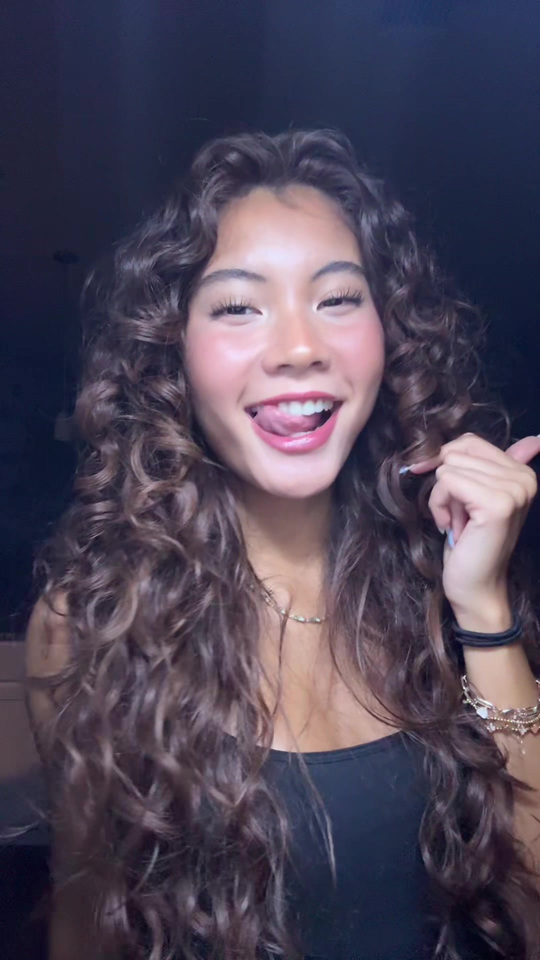
Original TikTok video · @kimberlykimpena (kimberly kim) on TikTok. If the player is unavailable, open the source.
Watch the original clip (source video)