

A closer look at the Hotel Lobby duet
Two portraits, an orange stage, and a shared microphone. See how to prepare your duet.
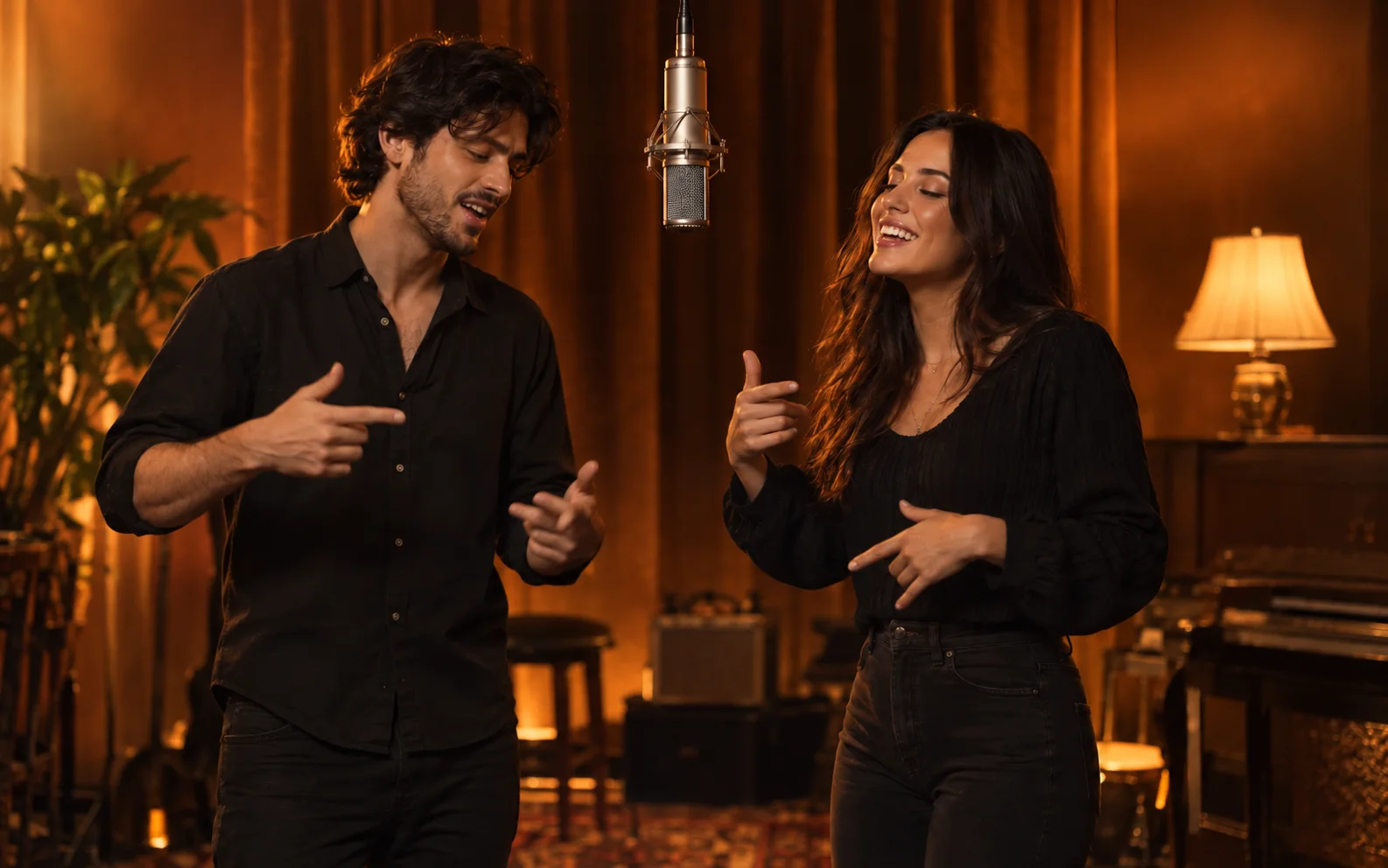
The Hotel Lobby generator places two people on an orange stage with a hanging microphone. Add one portrait for each person. The example illustration shows the idea; individual results can vary.
No prompt to write
KickClap prepares the scene and performance instructions. You provide the photos and choose Portrait or Landscape. You do not need to describe the room or camera settings.
Choose photos with clear faces and visible upper bodies. Avoid sunglasses, heavy filters, and hands across the face.
Check who is on each side
Photo 1 places a person on the left. Photo 2 places a person on the right. Check both thumbnails before continuing. Swap photos changes the order without selecting the files again.
Both people must agree to the use of their photos to create this AI video.
Choose your video shape
Portrait produces a 9:16 video. Landscape produces a 16:9 video. A landscape photo can be used for a portrait video, and a portrait photo can be used for a landscape video.
The generated performance can differ from the example. Exact gestures, likeness, and lip timing are not guaranteed for every photo.
Find the finished video
When purchasing is available, verify your delivery email and complete the one-time purchase. Generation starts after confirmed payment. Open My videos and verify the same email to check progress. No account or password is needed. Files expire seven days after purchase upload; check the exact date on your purchase page.