

Create your first Hotel Lobby video
Add two portraits, choose a video shape, and find your completed duet.
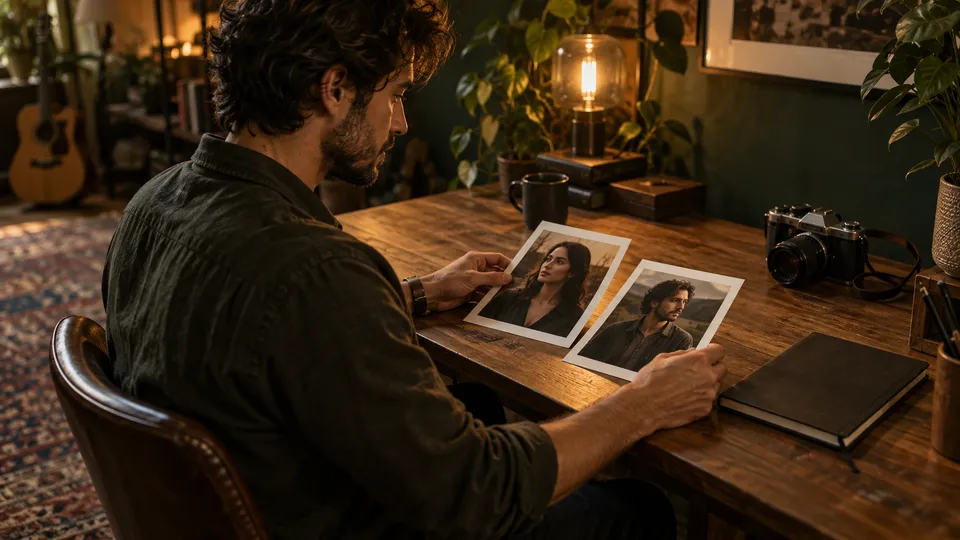
KickClap turns two photos into a Hotel Lobby duet on an orange stage. The scene and performance instructions are prepared for you. You do not need to write a prompt.
1. Open the generator
The Hotel Lobby generator is on the homepage. You can choose your photos without an account. Before purchase, verify the email where you want to receive your video.
Choose Portrait for a 9:16 video or Landscape for a 16:9 video. Your photos do not need to have the same shape as the video.
2. Add one photo of each person
Use two separate JPG, PNG, or WebP files, up to 5 MB each. A clear portrait with a visible face and upper body works best. Export HEIC or HEIF photos as JPG first.
Photo 1 goes on the left. Photo 2 goes on the right. Use Swap photos to change their order. Wait until both photos finish checking before continuing.
3. Confirm consent and create
Both people must agree to the use of their photos to create an AI video. Confirm their consent with the checkbox before starting.
The form shows one ten-second video for $9.99. Verify your email, review the selected shape, and continue to the purchase page. Generation starts after the payment provider confirms payment. Your photos are sent to SeeAPI to create your duet.
4. Play or download the result
Open My videos and verify the same delivery email to find your purchase. A task that is still processing or has failed shows that status. A completed video has a player and an MP4 download.
Files are available for seven days from purchase upload. Check the exact expiry on your purchase page. Download the MP4 during that period if you want to keep a local copy.